On-Device
Encryption
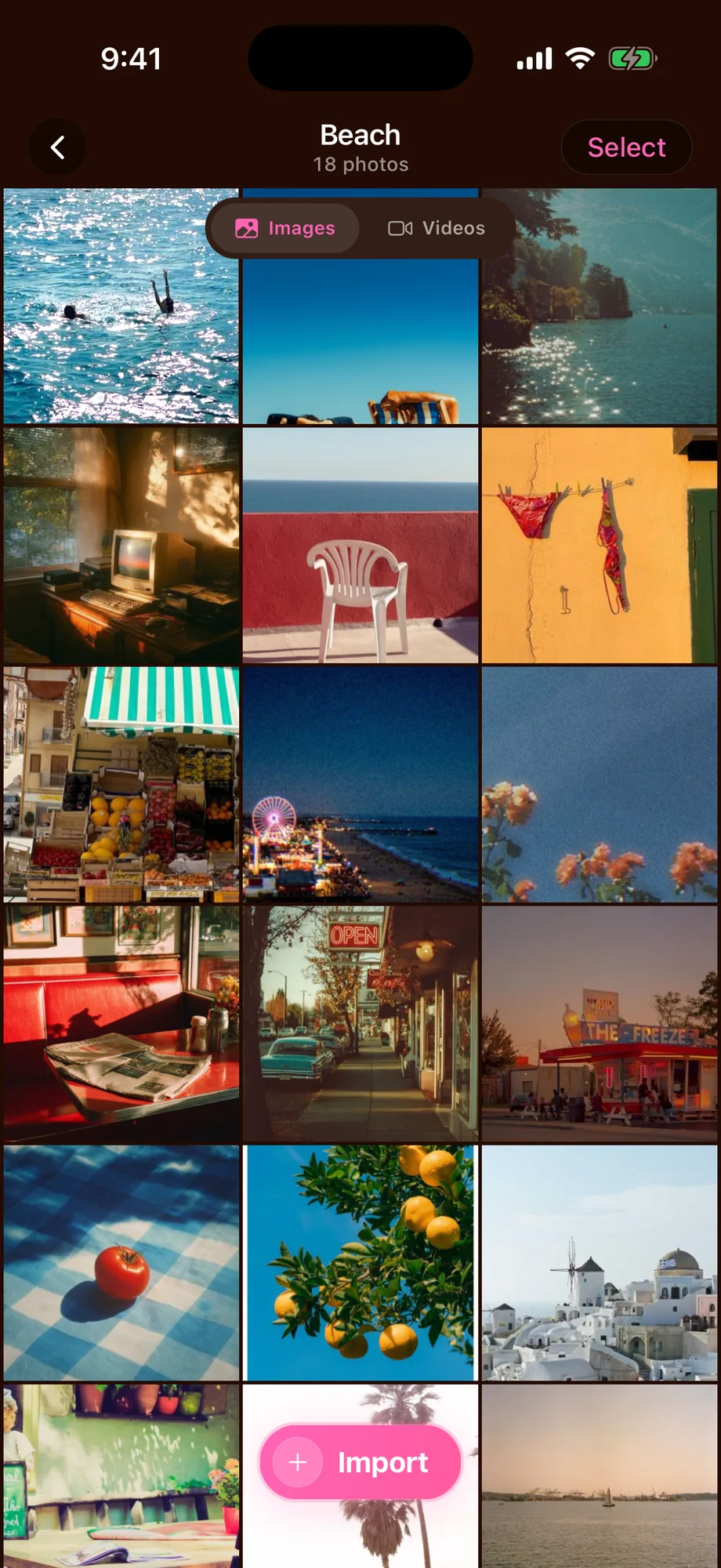
AES-256 locks every photo and video on your phone. No account, no cloud by default. Not even we can peek.
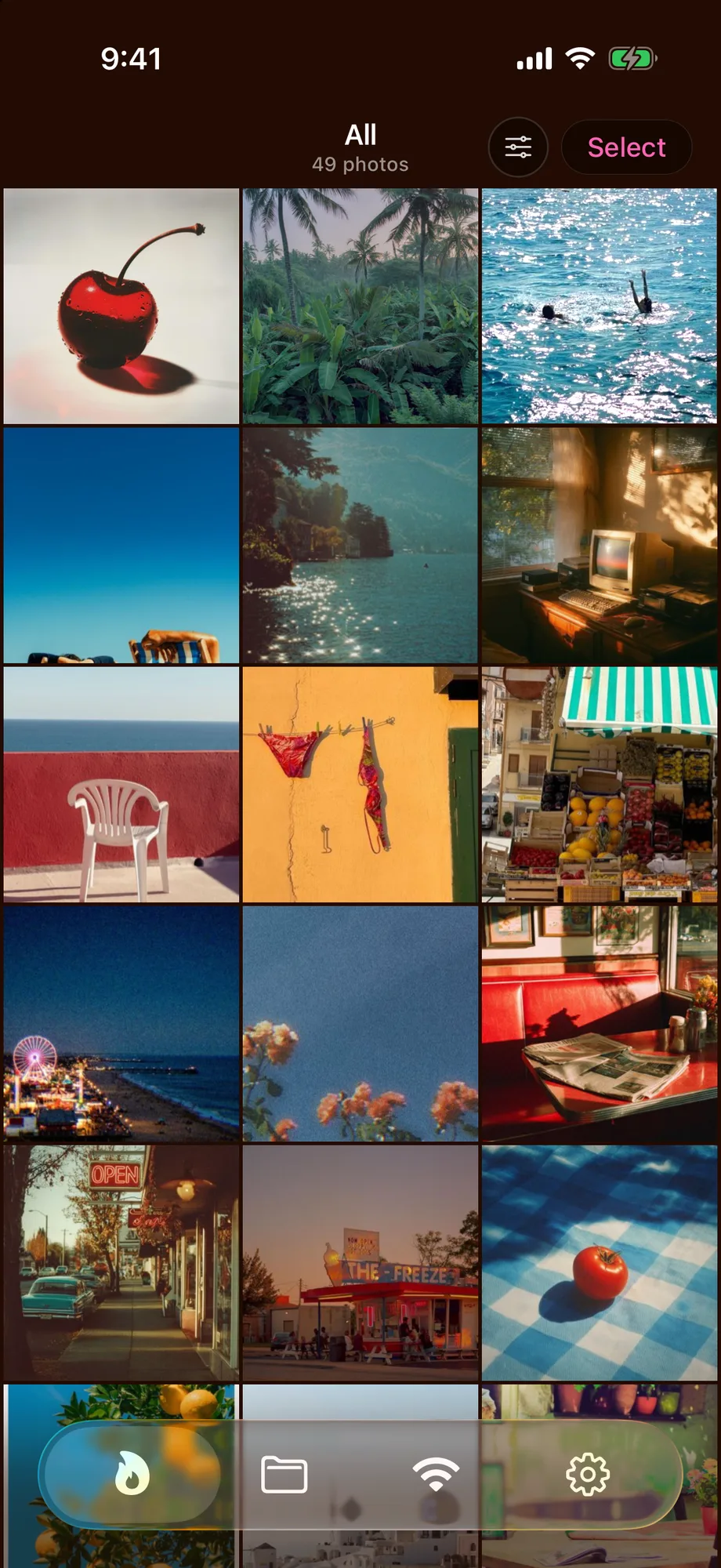
AES-256 locks every photo and video on your phone. No account, no cloud by default. Not even we can peek.
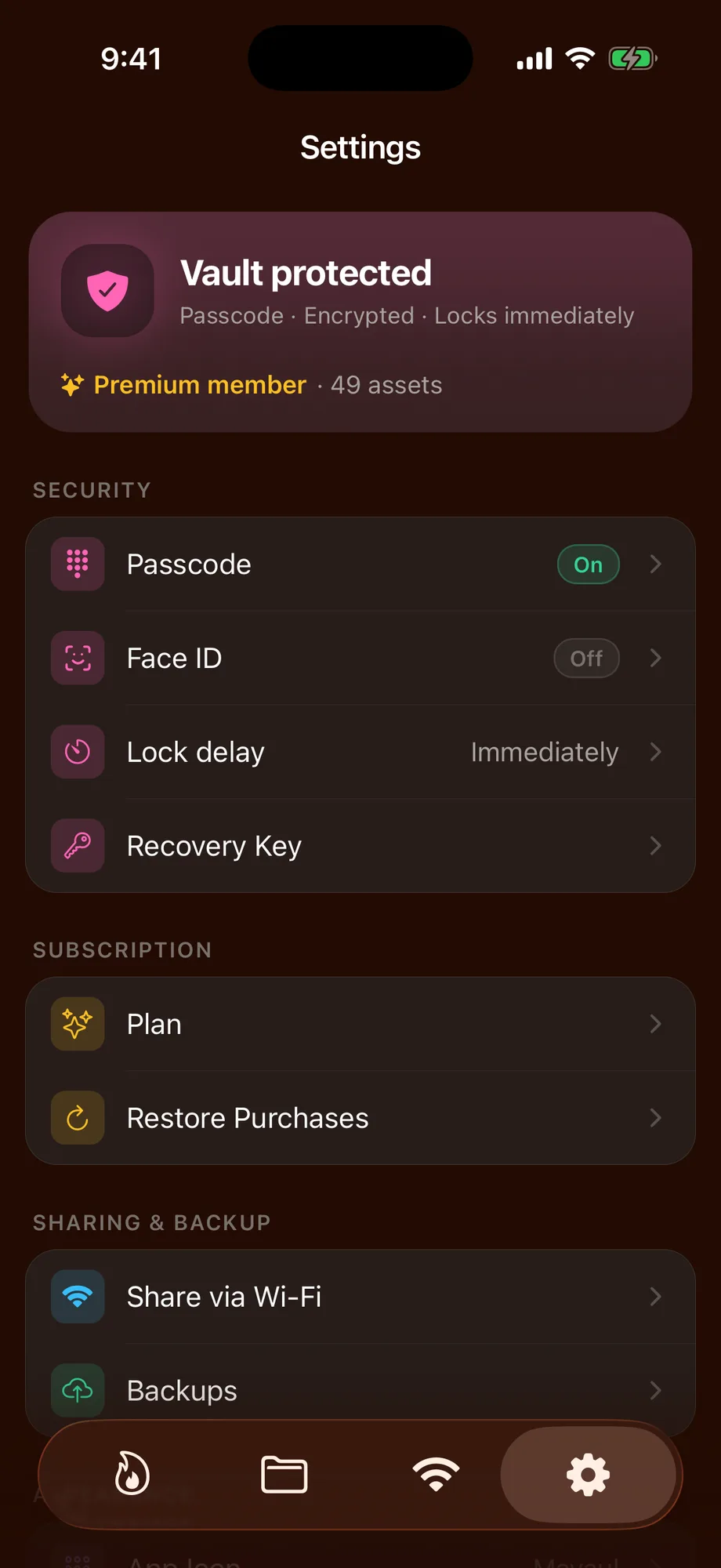
Unlock with a glance or your code. Choose how long the vault stays open before it asks again.
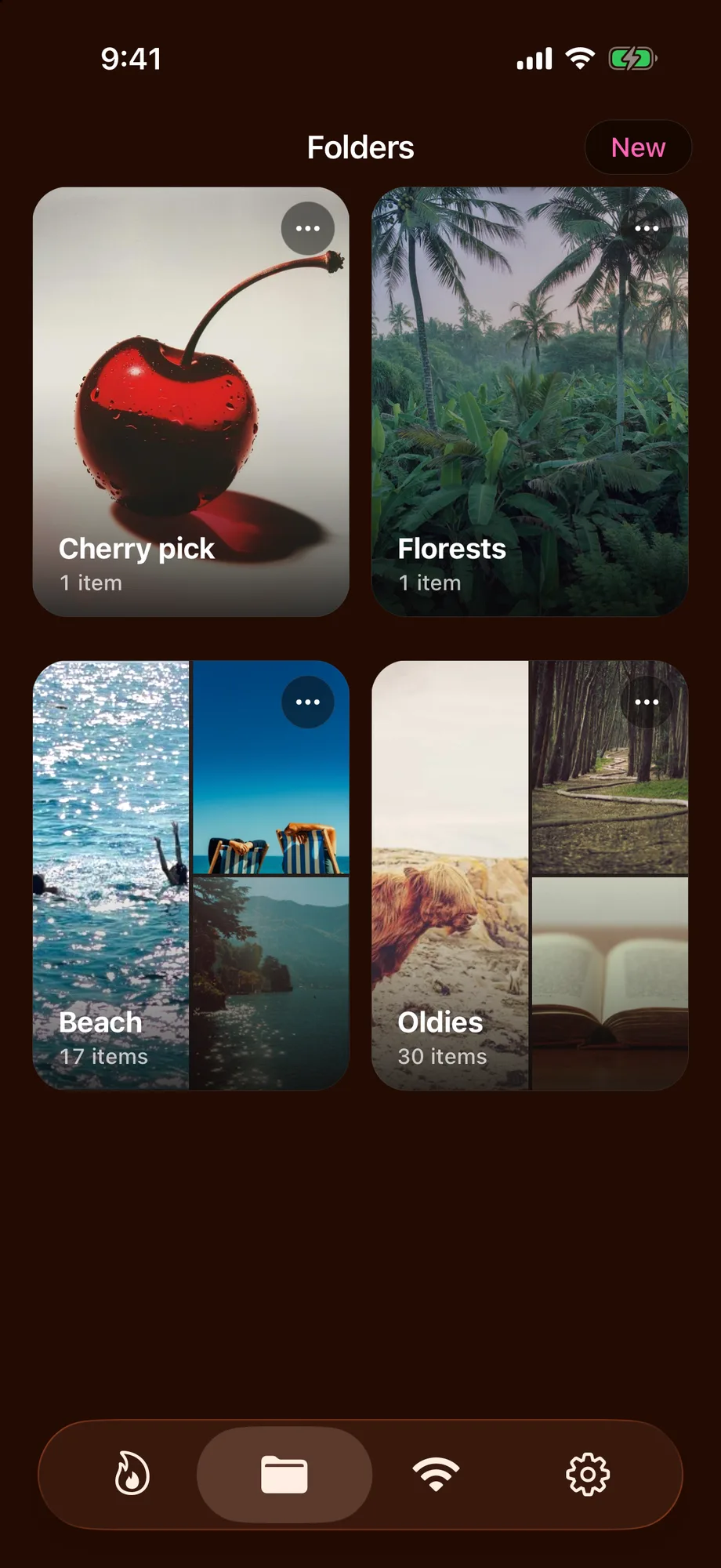
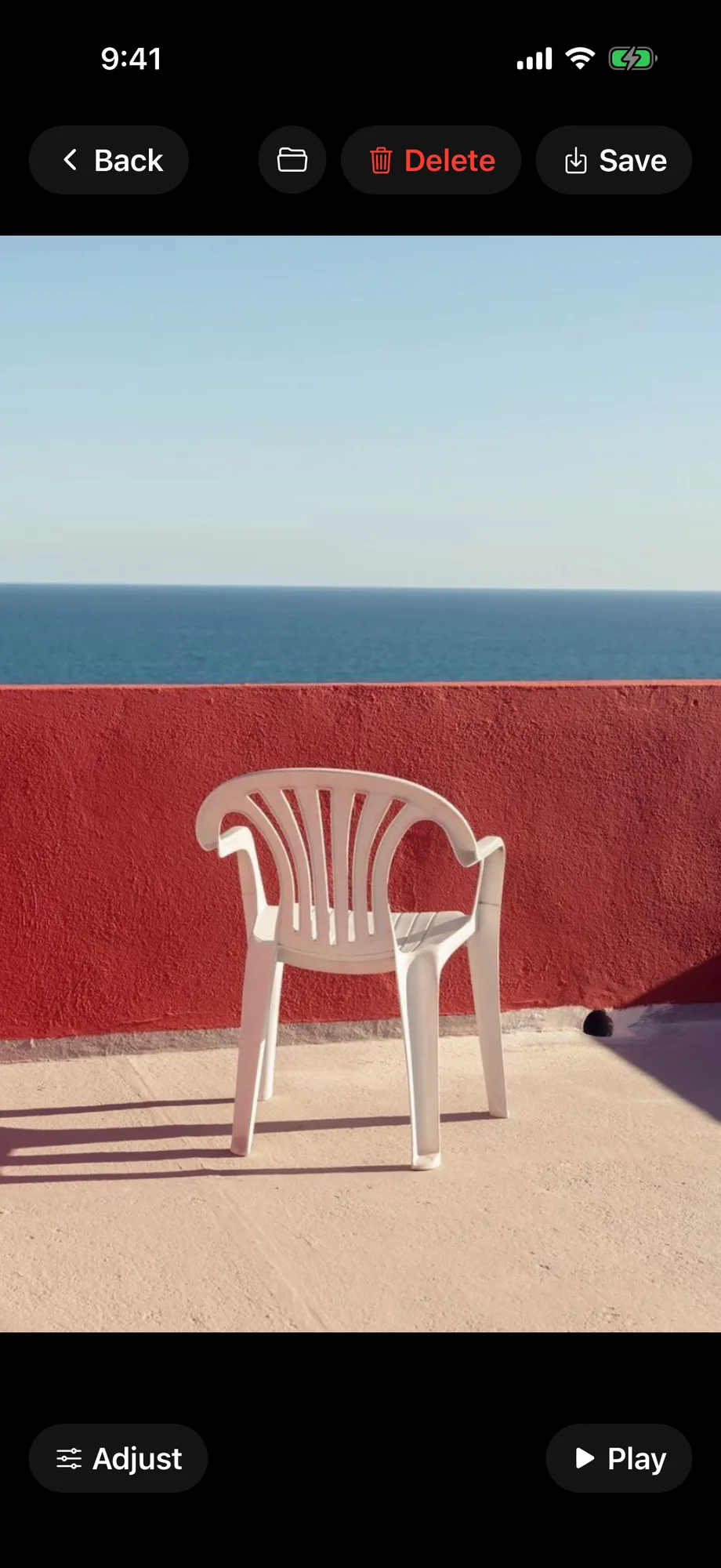
Tap the edges to flick through photos, or kick off a timed slideshow. Tap and hold to pause.
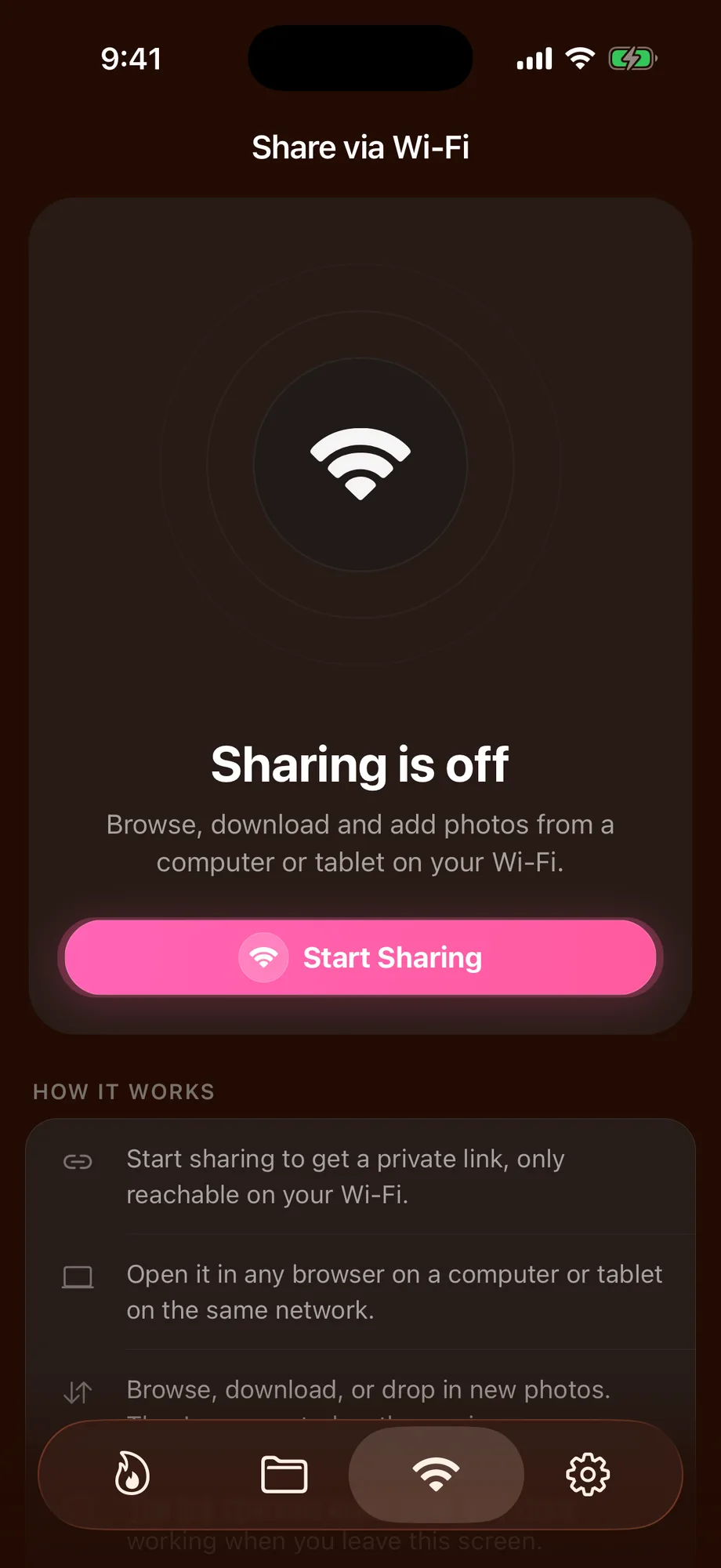
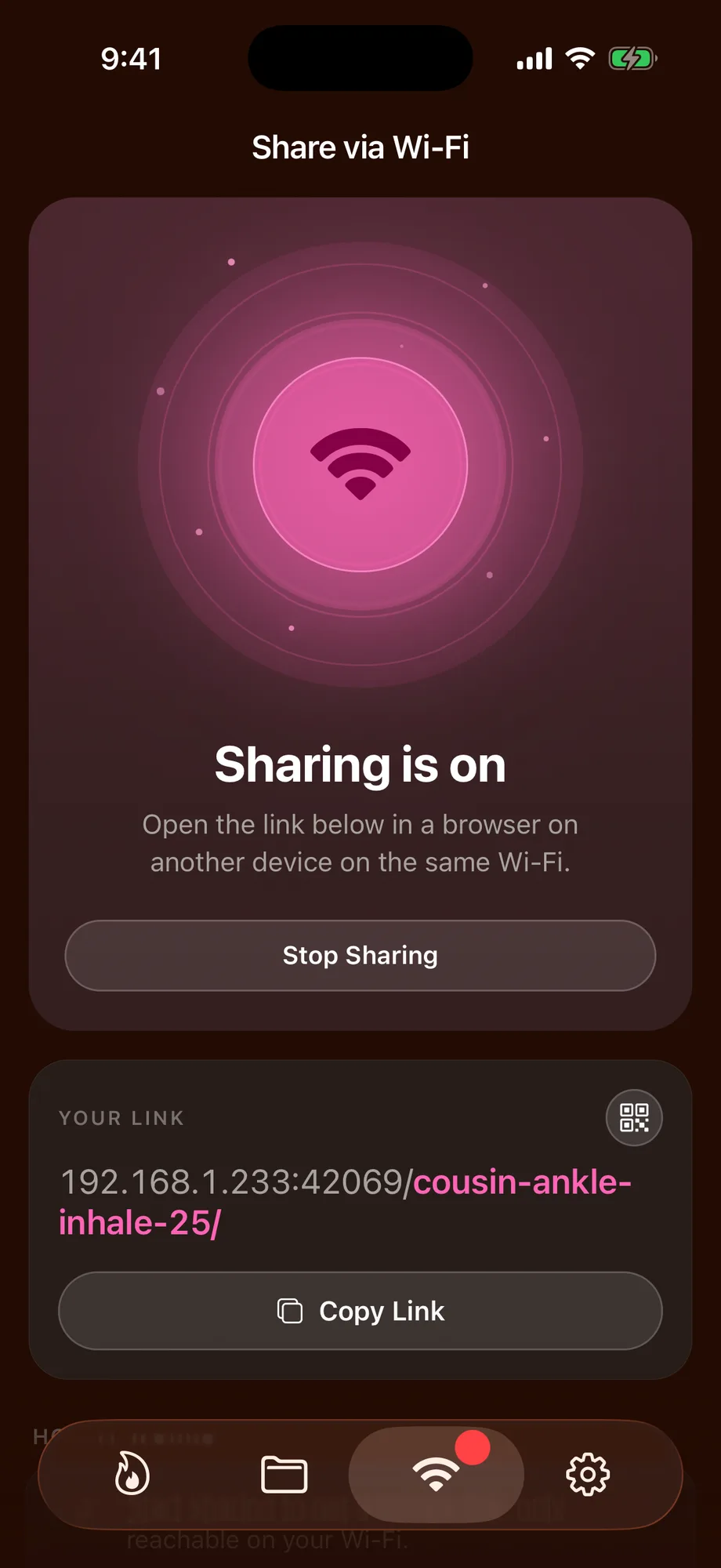
Scan a QR code and your photos open on the laptop or TV almost instantly. Thumbnails arrive first and full size follows. Each session gets its own code, and nothing leaves your network.
Back up the vault to Dropbox, Nextcloud or Files. Your storage, our encryption. Encrypted on-device before upload, and Mavaul never hosts it. Premium.
Optional safety net that emails you your recovery key. Forget the passcode, request the key and type it in to get back in. Premium.
From 1,99 € a month, or 49,99 € once. See pricing
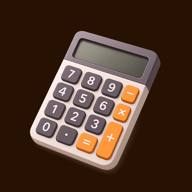
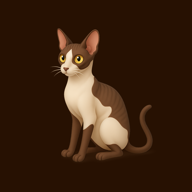
Swap the home screen icon for a calculator, a cat, a bottle of hot sauce and more. Turn on the calculator lock screen and it even does maths. Type your passcode on the keypad to get in.




Yes, it's free to download. The free plan holds up to 20 photos and videos with full encryption, Face ID, Wi-Fi Share and the calculator disguise. Premium removes the limit and adds encrypted backup, Adjust & Crop, more app icons, custom lock and slideshow timing, and email recovery. See pricing.
No. Your vault lives on your phone, and there's no account and no Mavaul cloud. If you turn on Premium's encrypted backup, the vault is encrypted on your phone first and saved to storage you choose: Dropbox, Nextcloud (WebDAV) or Files.
No. Everything is locked with AES-256 on your device and opens only with your Face ID or passcode. We never have your keys, so we couldn't look even if we wanted to.
When you set up the vault you get a 24-character recovery key. Enter it to get back in and set a new passcode. With Premium you can also have the key emailed to you. Without the key, nobody can open the vault, including us.
Yes. Swap the home screen icon for a calculator, a cat, a bottle of hot sauce and more, and turn on the calculator lock screen: it works as a real calculator, and typing your passcode on the keypad opens the vault.
Tap Share and scan the QR code with a laptop, tablet or TV browser on the same Wi-Fi. Your photos appear there almost instantly. Each session has its own code, and nothing leaves your network.