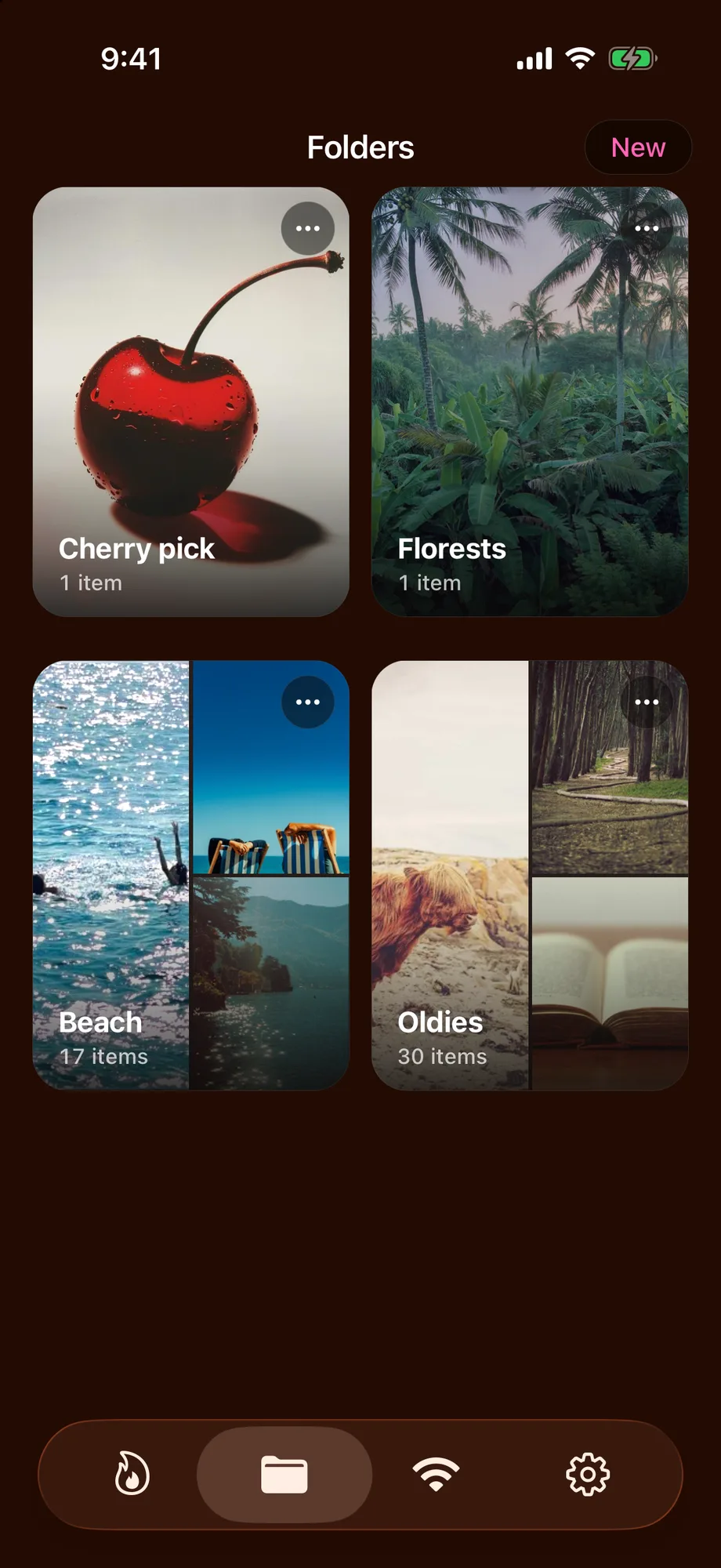
Photo
Viewer
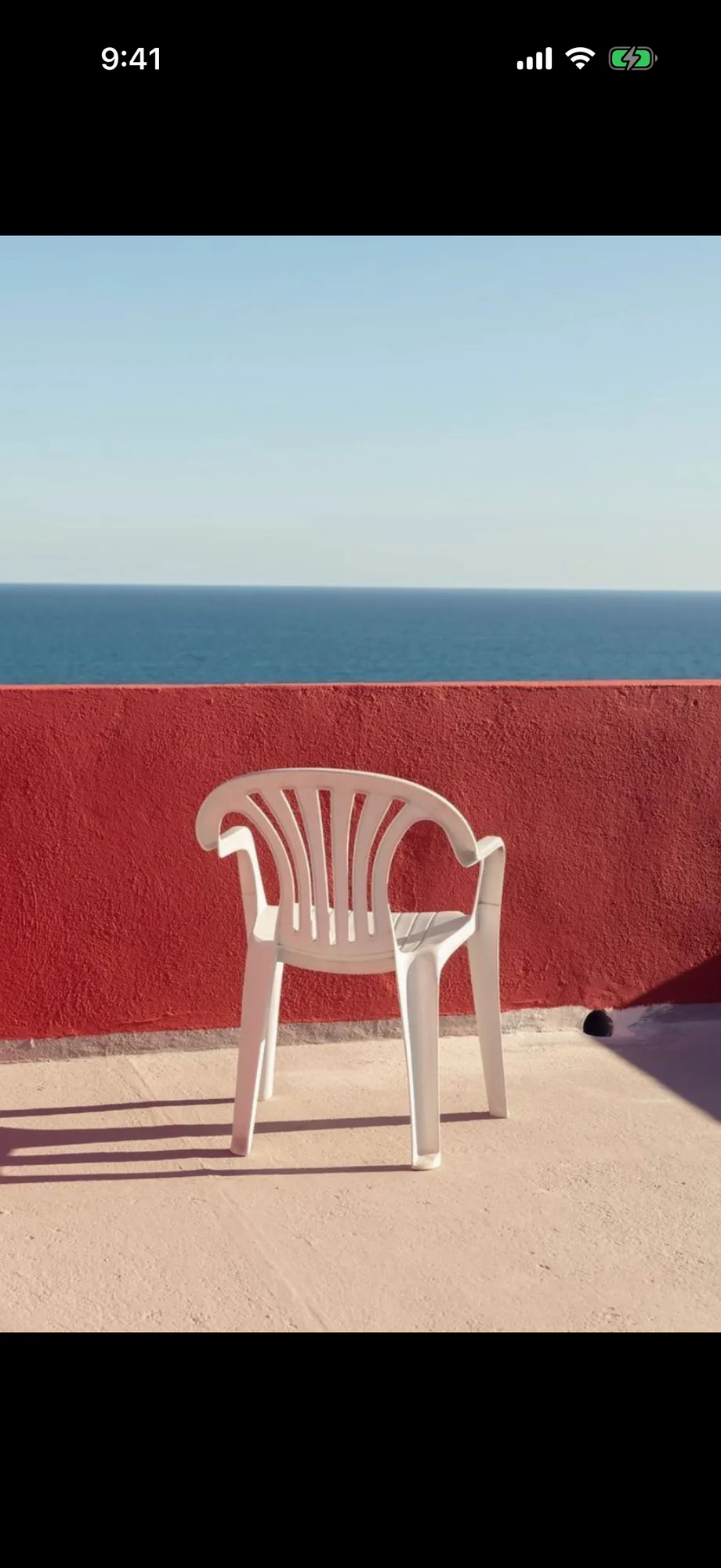
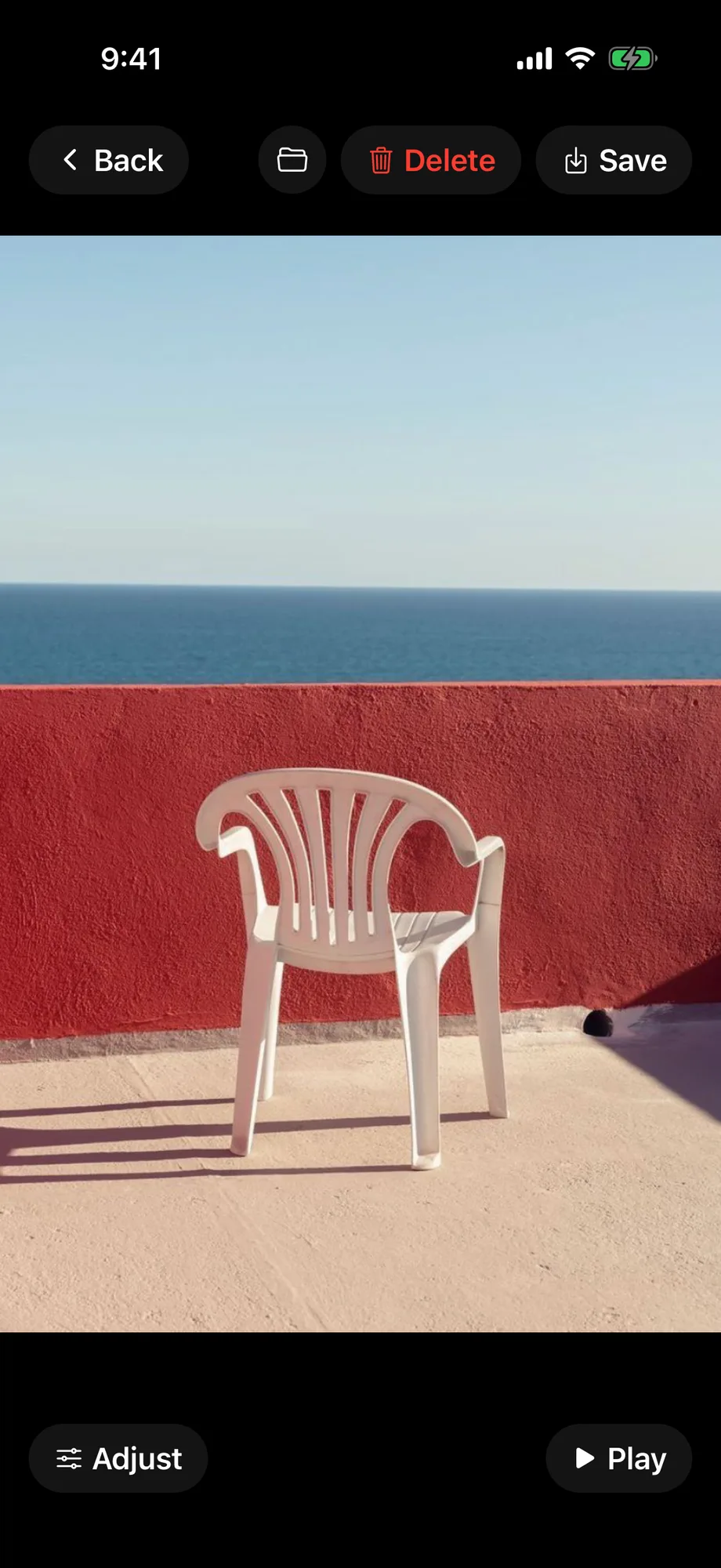
Tap the edges to flick through photos, or kick off a slideshow you can hold to stop and tap to pass without ending it.
How it works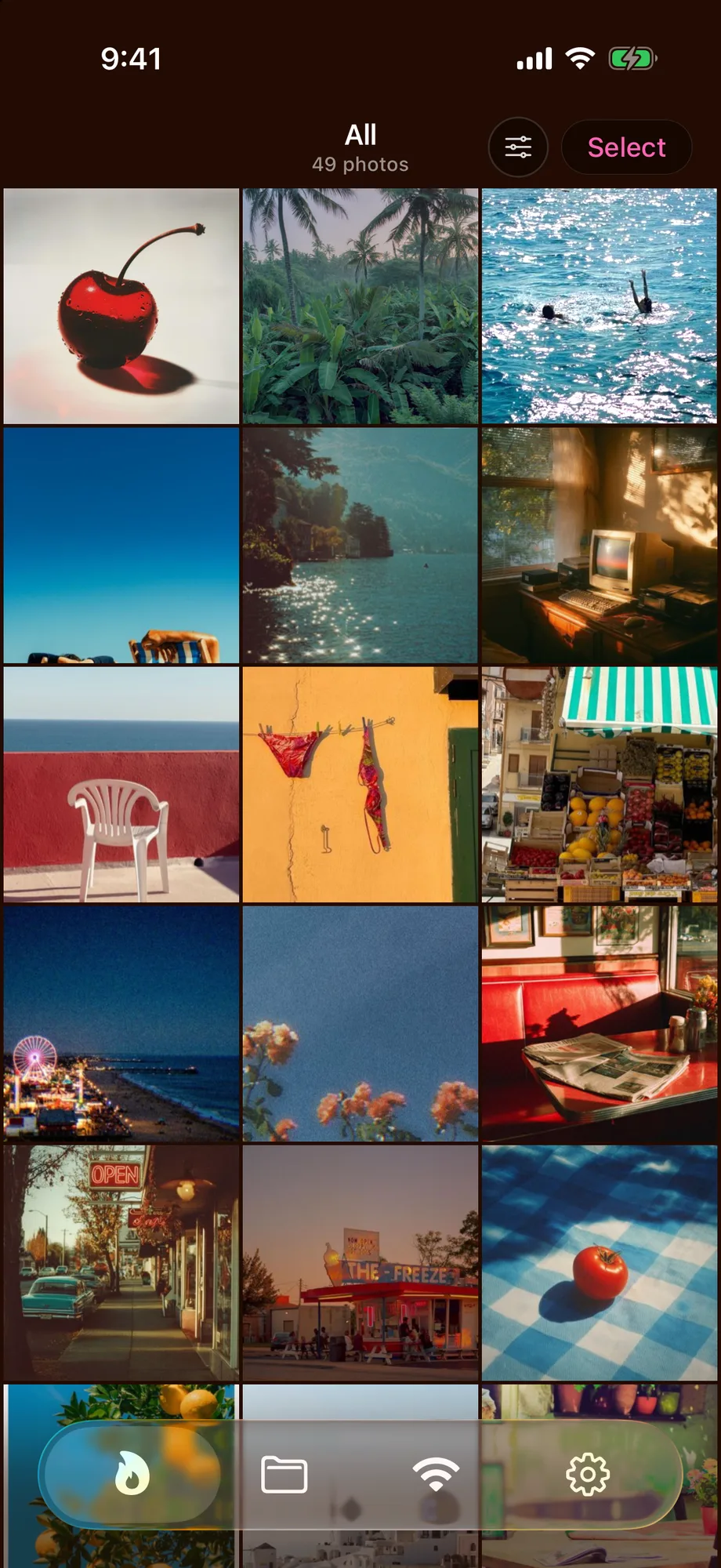
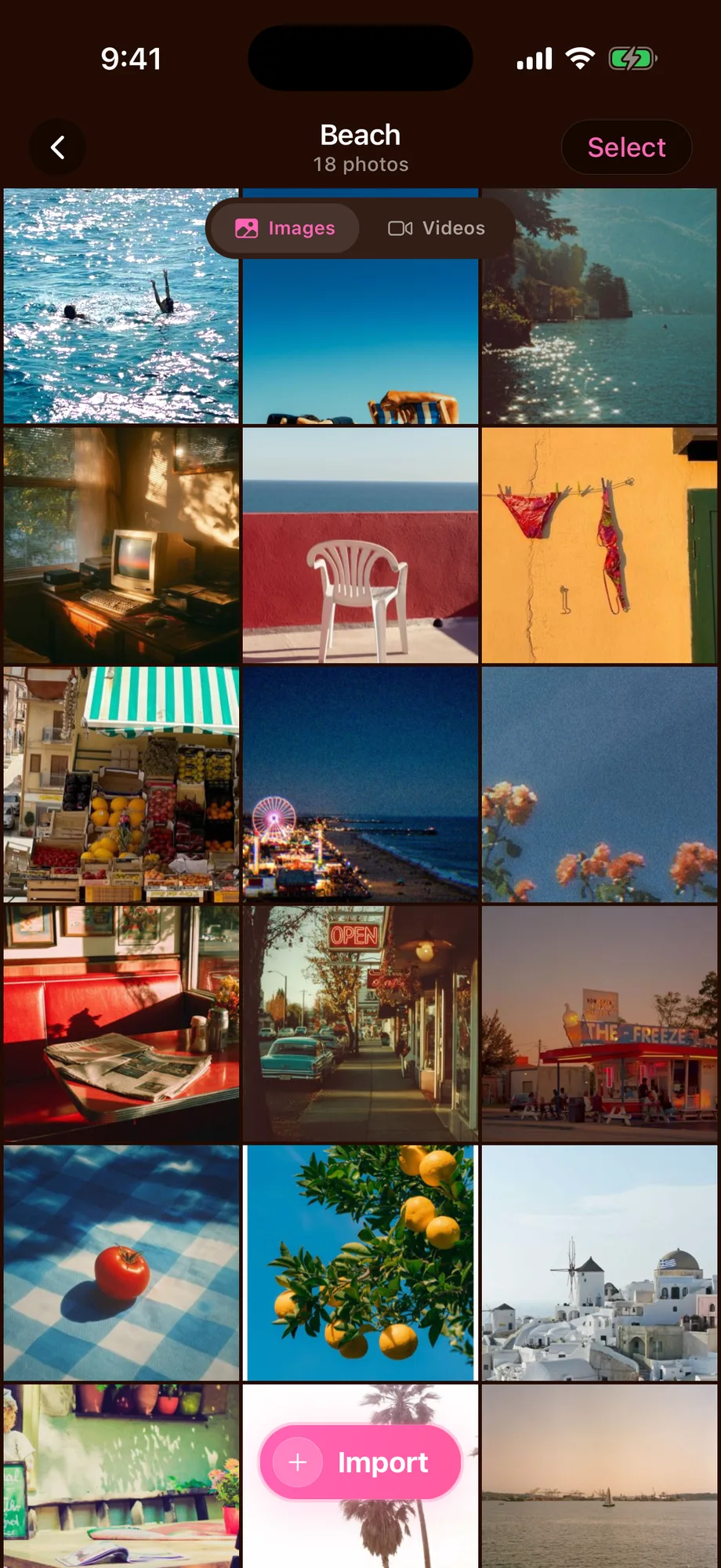
Made for looking at your photos, not only hiding them. Tap or swipe through them full screen, and hold the slideshow to stop on one.
Mavaul's standout feature is its immersive gallery and slideshow. Photos open full screen with no buttons in the way, and you tap the edges or swipe to move between them. The slideshow doesn't end when you touch it: hold to stop on a photo, tap to pass to the next. Most vaults are made for storing photos; Mavaul is made for looking at them.
Tap the edges to flick through photos, or kick off a slideshow you can hold to stop and tap to pass without ending it.
How it worksAES-256 locks every photo and video on your phone. No account, no cloud by default. Not even we can peek.
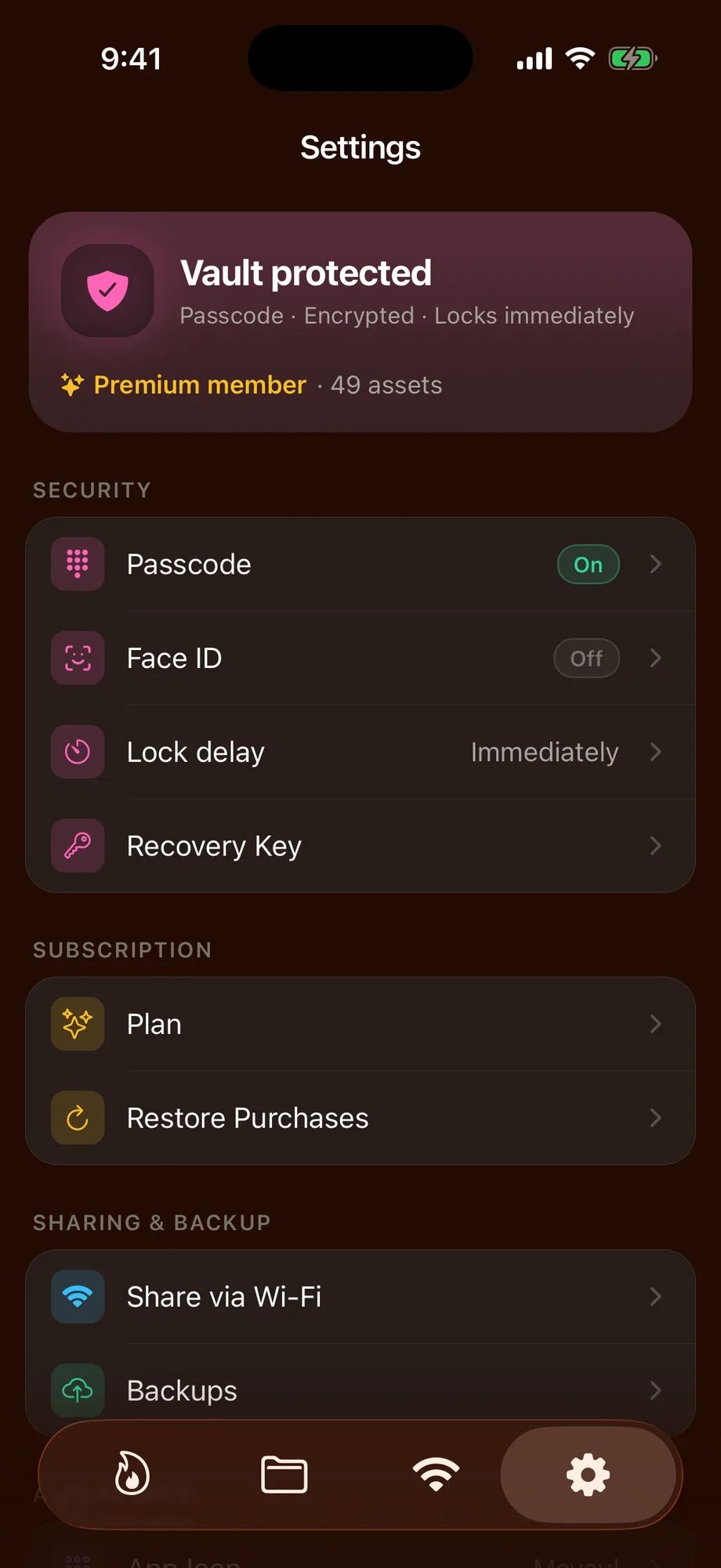
How it worksUnlock with a glance or your code. Choose how long the vault stays open before it asks again.
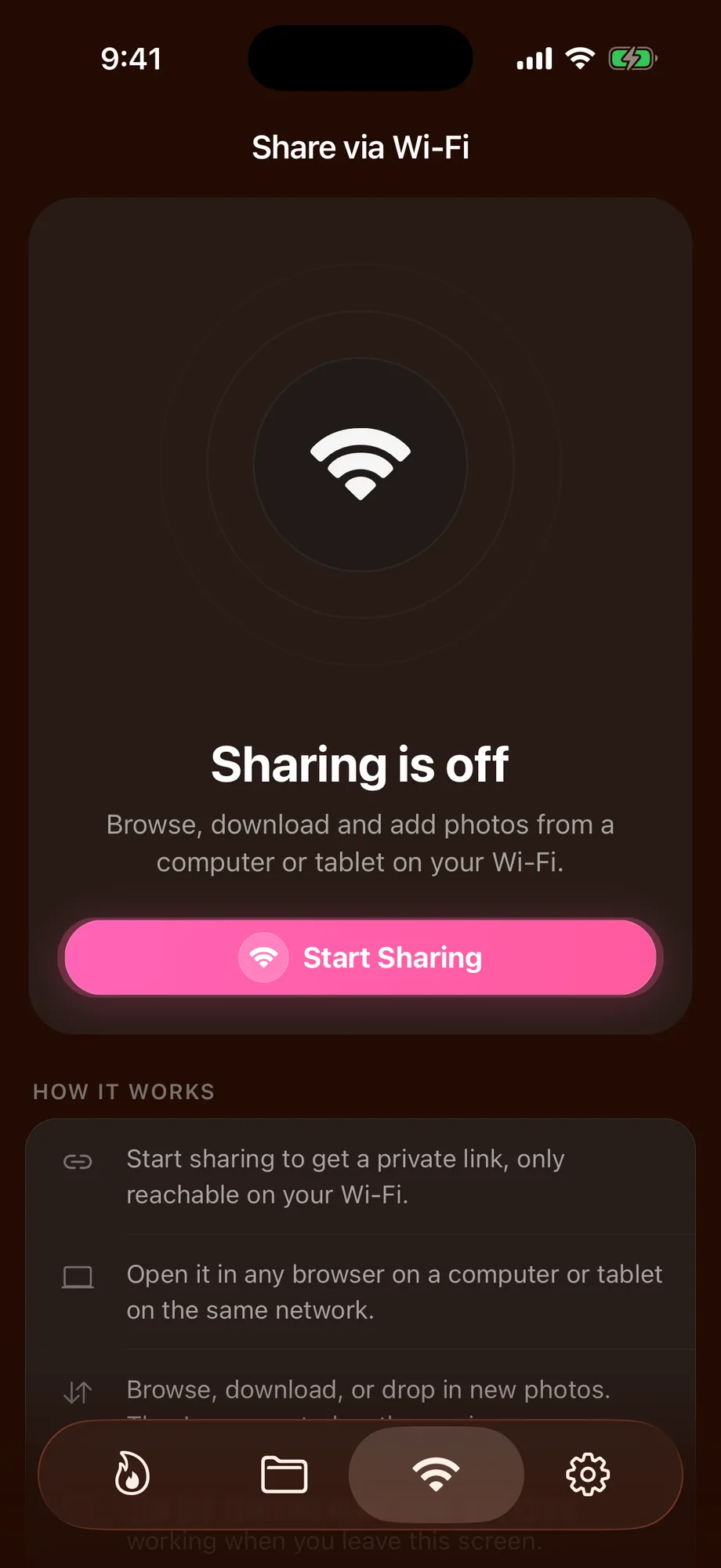
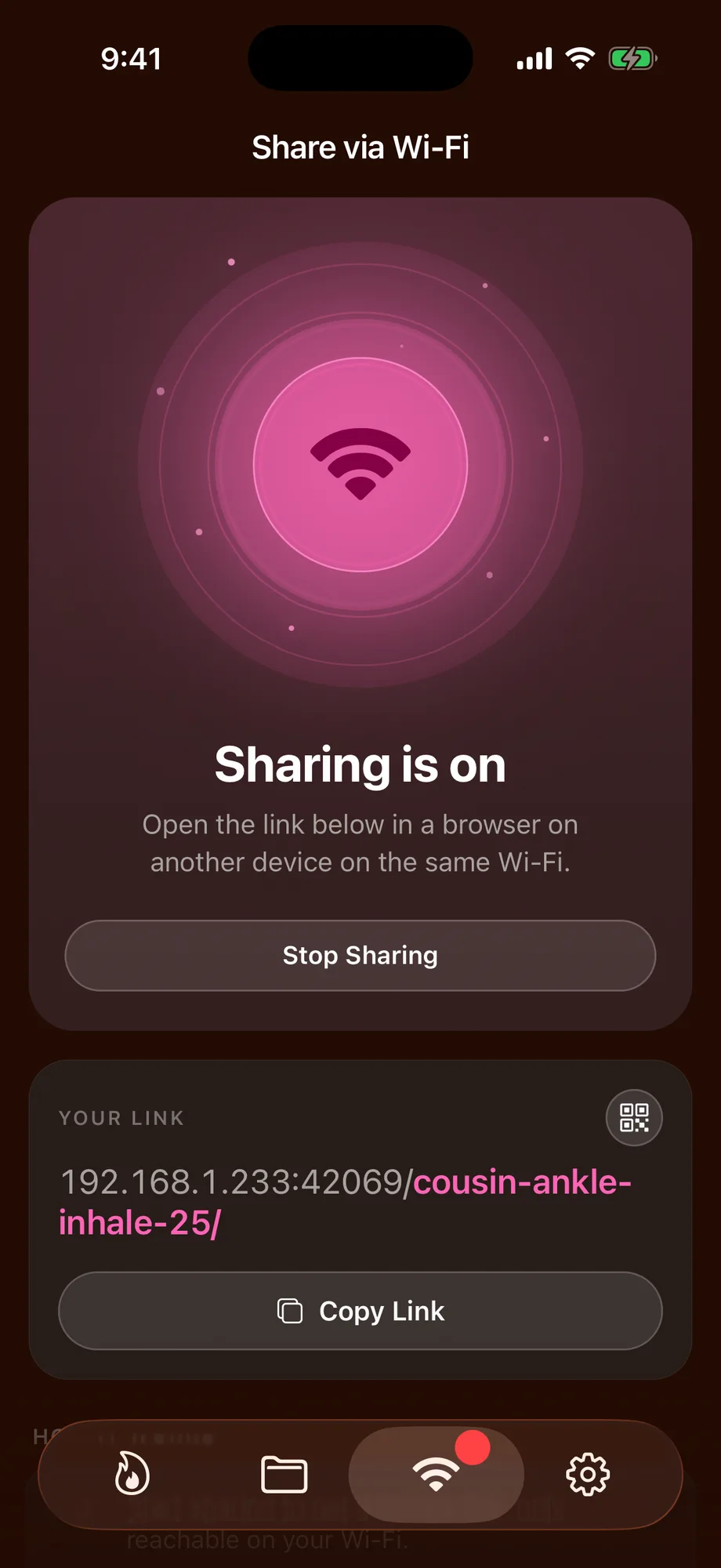
How it worksScan a QR code and your photos open on a TV, laptop or any device with a browser on your Wi-Fi almost instantly. Thumbnails arrive first and full size follows. Each session gets its own code, and nothing leaves your network.
How it worksBack up the vault to Dropbox, Nextcloud or Files. Your storage, our encryption. Encrypted on-device before upload, and Mavaul never hosts it. Premium.
How it worksOptional safety net: email yourself your recovery key ahead of time. Forget the passcode, find the key in your inbox and type it in to get back in. Premium.
How it worksFrom 1,99 € a month, or 49,99 € once.
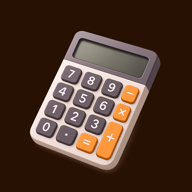
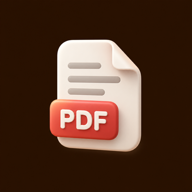
Turn on Decoy mode and Mavaul becomes a calculator, free: a calculator icon on the home screen, and a calculator that even does maths when you open it. Type your passcode on the keypad to get in. With Premium, pick a cat, a tape measure, a PDF reader, Wi-Fi, a bottle of hot sauce and more.
How it works





Yes, it's free to download. The free plan holds up to 30 photos and videos with full encryption, Face ID, Wi-Fi Share and the calculator disguise. Premium removes the limit and adds encrypted backup, Adjust & Crop, more app icons, your own lock delay, slideshow speed and transition, and email recovery. See pricing.
Most photo vaults compete on lock types. Mavaul is made for looking at your photos: the viewer opens full screen with no buttons, and you tap the edges or swipe to move. The slideshow doesn't end when you touch it: hold to stop on a photo, tap to pass to the next one. See the photo viewer.
No. Your vault lives on your phone, encrypted with the AES-256 encryption algorithm, and there's no account and no Mavaul “cloud” or server. If you turn on Premium's encrypted backup, the vault is encrypted on your phone first and saved to storage you choose: Dropbox, Nextcloud (WebDAV) or Files.
No. Everything is locked with AES-256 on your device and opens only with your Face ID or passcode. We never have your keys, so we couldn't look even if we wanted to.
When you set up the vault you get a 24-character recovery key. Enter it to get back in and set a new passcode. With Premium you can also have the key emailed to you. Without the key, nobody can open the vault, including us.
Yes, for free. Turn on Decoy mode and the home screen icon becomes a calculator, and the app opens to a calculator that really works: typing your passcode on the keypad opens the vault. With Premium, pick a cat, a tape measure, a PDF reader, Wi-Fi, a bottle of hot sauce and more instead.
Tap Share and scan the QR code with a laptop, tablet or TV browser on the same Wi-Fi. Enter the code shown in the app. Your photos appear there almost instantly. Each session has its own code, nothing leaves your network, and you can choose HTTPS to make it even more secure.